Academic Calendar Setup
You can import your school calendar so that academic years, term dates, holidays, and key timetable events all sit in one place.
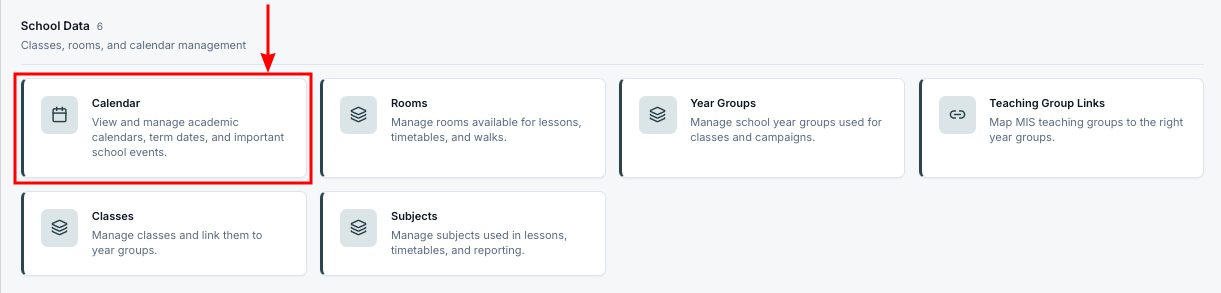
Go to the Organisation/Setup tab, find the School data section, and select Calendar.
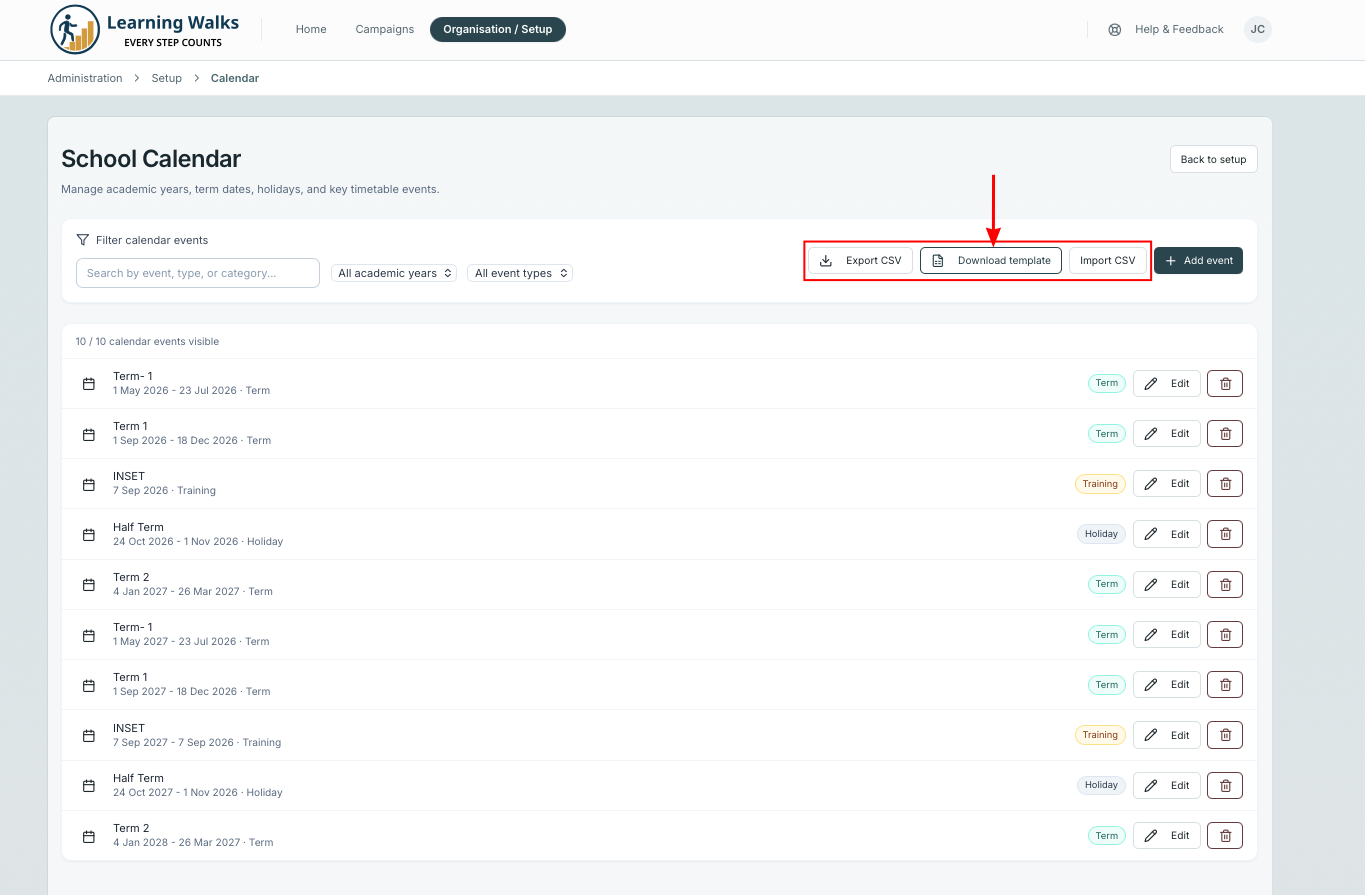
The simplest way to add everything is to download the CSV template provided, complete your dates and events, then import the CSV back into the system; this will load all your term and holiday dates and help keep your schedules aligned.
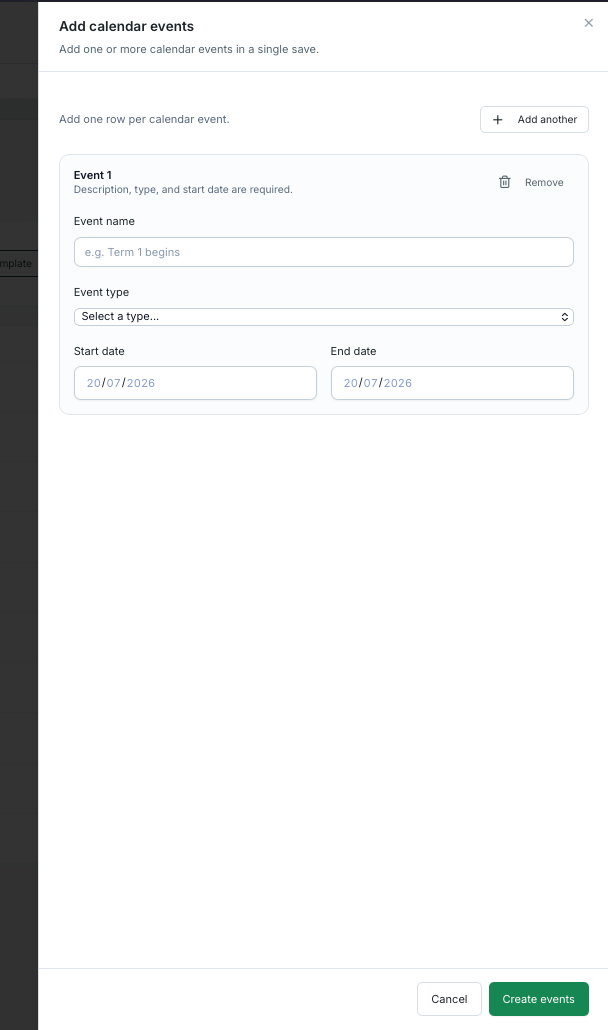
You can also add individual events manually at any time by selecting Add event, entering the details, and clicking Done to save it to your calendar.