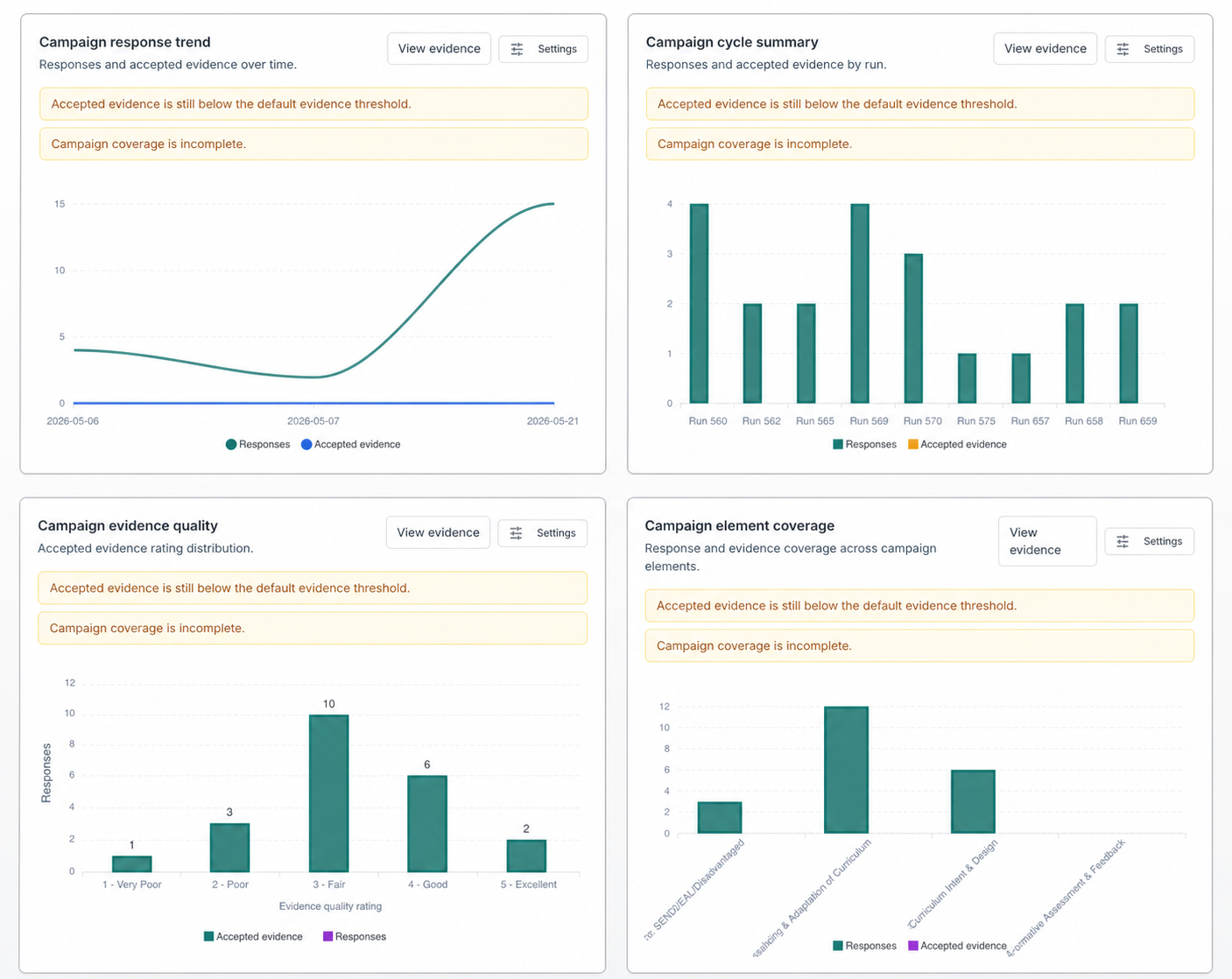
Evidence Review
To access Evidence Review, go to your Campaign and select the Evidence Review tab
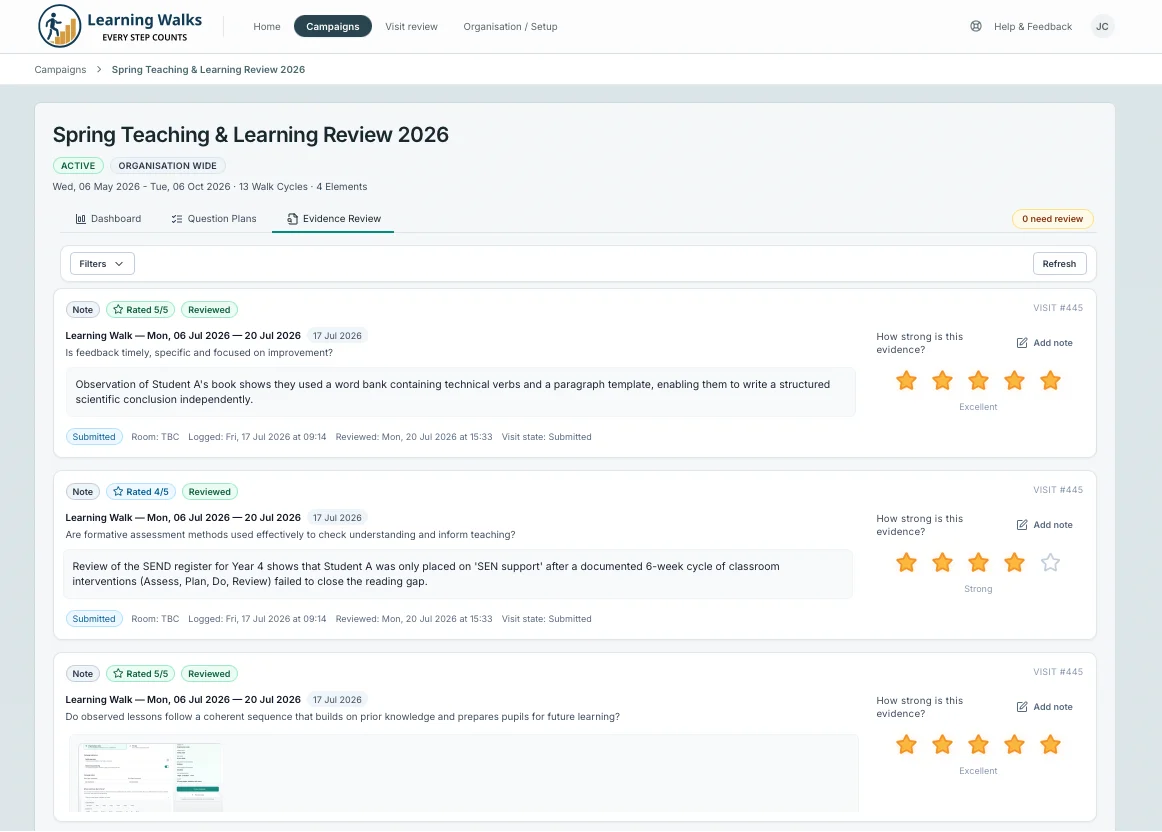
This will show a list of all evidence submitted by walkers, with each item linked to its visit and marked as either Draft or Submitted. You can rate the quality of the evidence from 1 to 5 stars, and add notes to support the review where needed. This feeds back into the system to help analyse evidence quality across the Campaign, which can be viewed in the Campaign Dashboard.