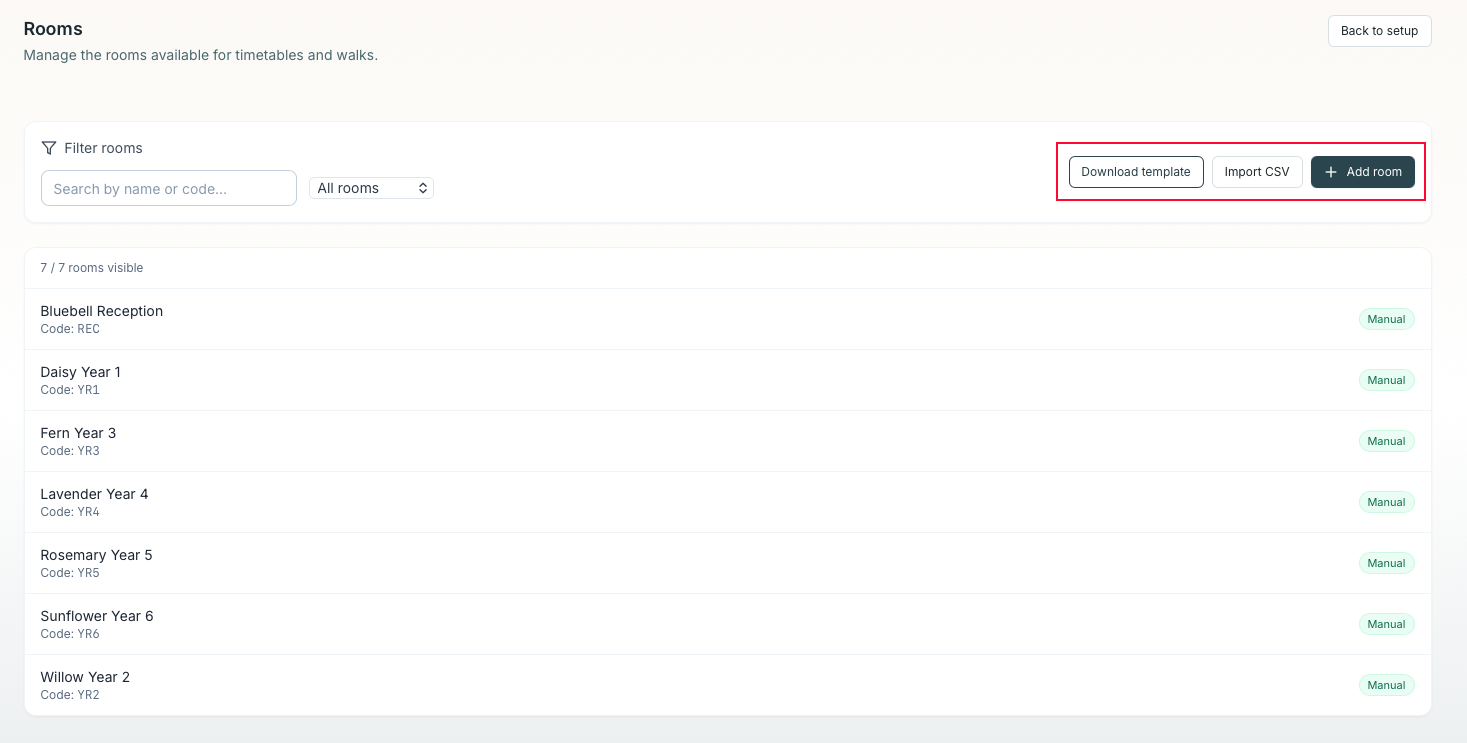
Manage Rooms
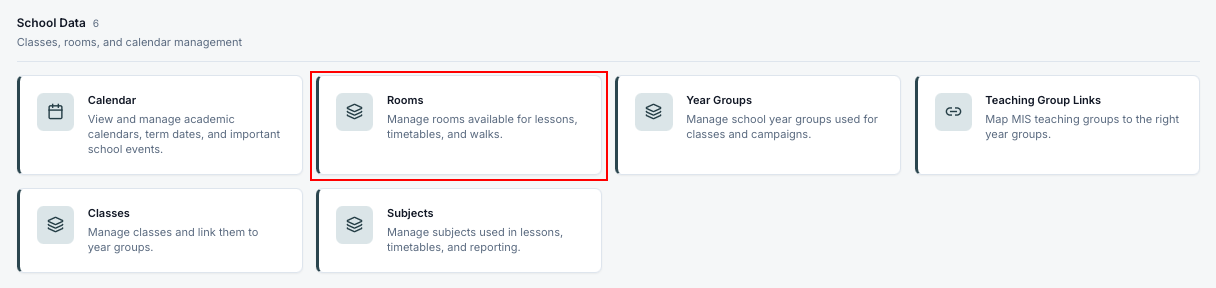
To add Rooms, either complete Step 3 of the Onboarding process with the Recommended Setup, or go to the Organisation/Setup tab, locate the School data section, and click Rooms.
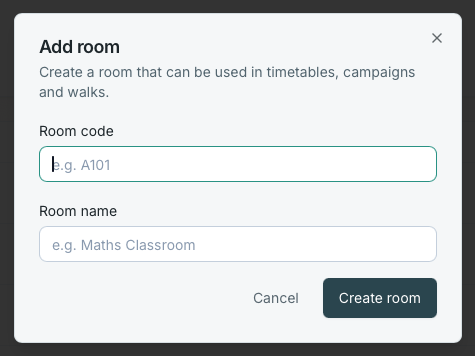
From here, you can either download the CSV template, add your room details in bulk, and import the file back into the system, or create rooms manually by selecting Add room, entering the details, and hit Create Room.