Managing Users and Staff
In LearningWalks, Staff are the teachers or school staff connected to visits and records, while Users are the walkers who log in and use the platform. If a member of staff also needs to carry out walks, they must be added both as a staff member and as a user.
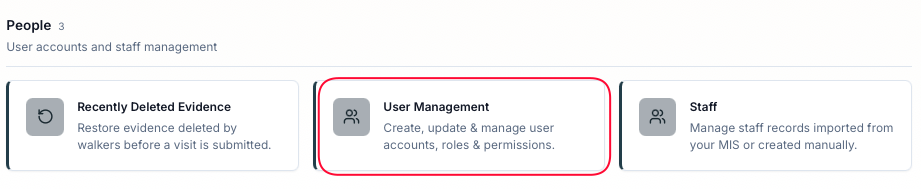
To manage users and staff, complete Step 2 of the Onboarding process with the Recommended setup, or go to the Organisation / Setup tab, then under the People section, select User Management to view and manage user accounts.
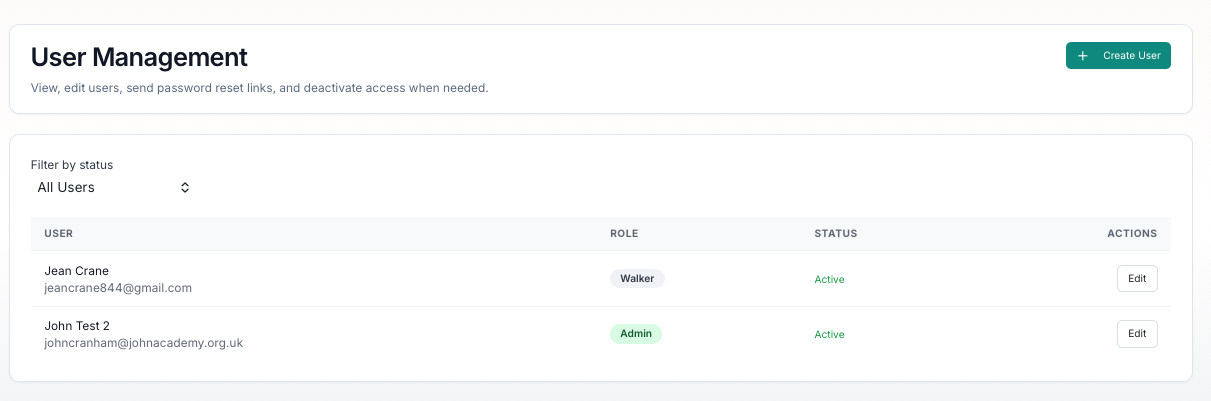
From here, you can view existing users, edit their details, send password reset links, deactivate access when needed, and create a new user by selecting Create User.
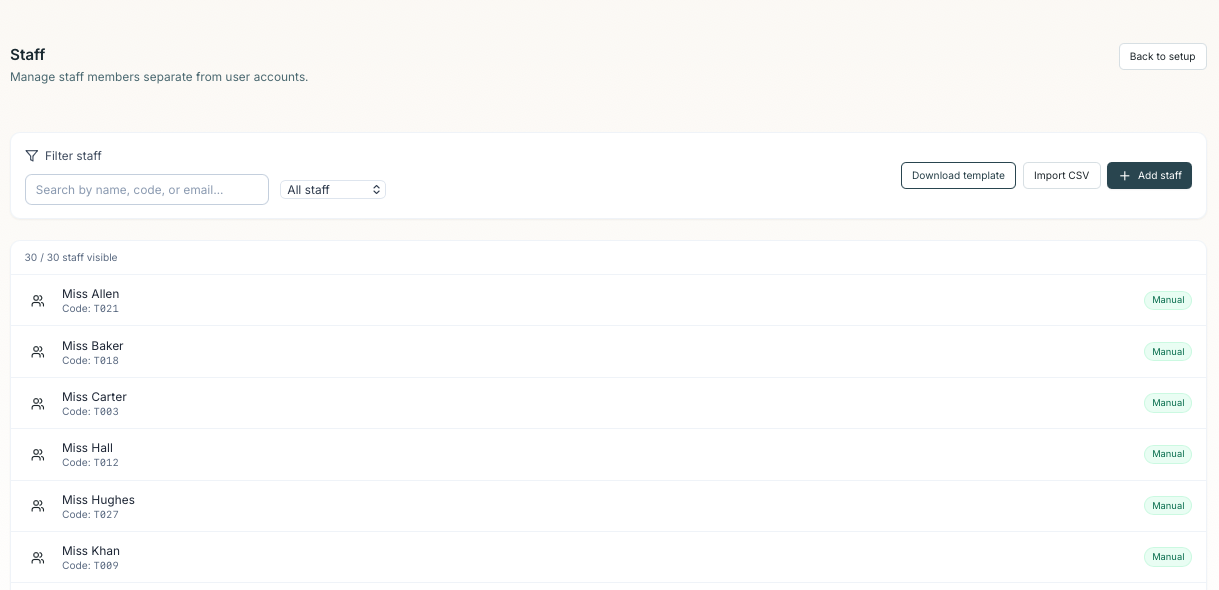
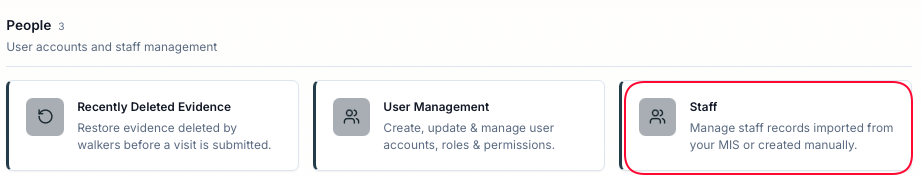
To add or manage staff members, go to the Organisation / Setup tab and select Staff.
Staff records are managed separately from user accounts, which means a staff member can exist on the platform without having login access.