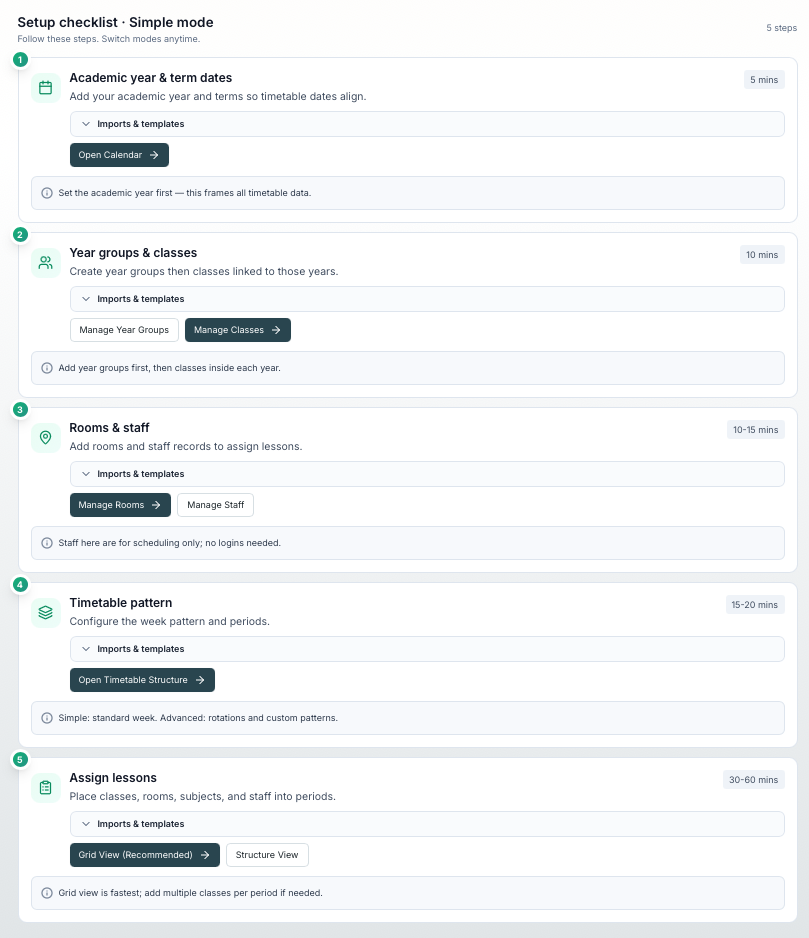
Setting up your Timetable
To set up your timetable, complete the Full Setup onboarding process, or go to Organisation / Setup tab and, in the Timetable section, select Timetable setup.

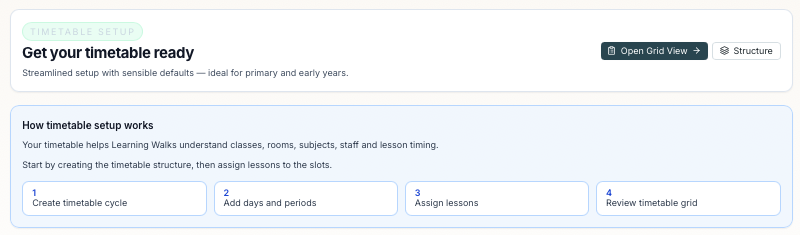
This is where you configure the timetable information LearningWalks uses to understand classes, rooms, subjects, staff and lesson timings.
The process starts by creating your timetable structure and then assigning lessons to the correct slots.
For each section of Timetable setup, Calendar, Year Groups and Classes, Rooms and Staff, Timetable Pattern, and Lessons, you can either download the relevant CSV templates, fill them in with your school’s details, and upload them back into LearningWalks. Alternatively, you can complete these manually by clicking the Open/Manage buttons in each section.