Setup and adding school details
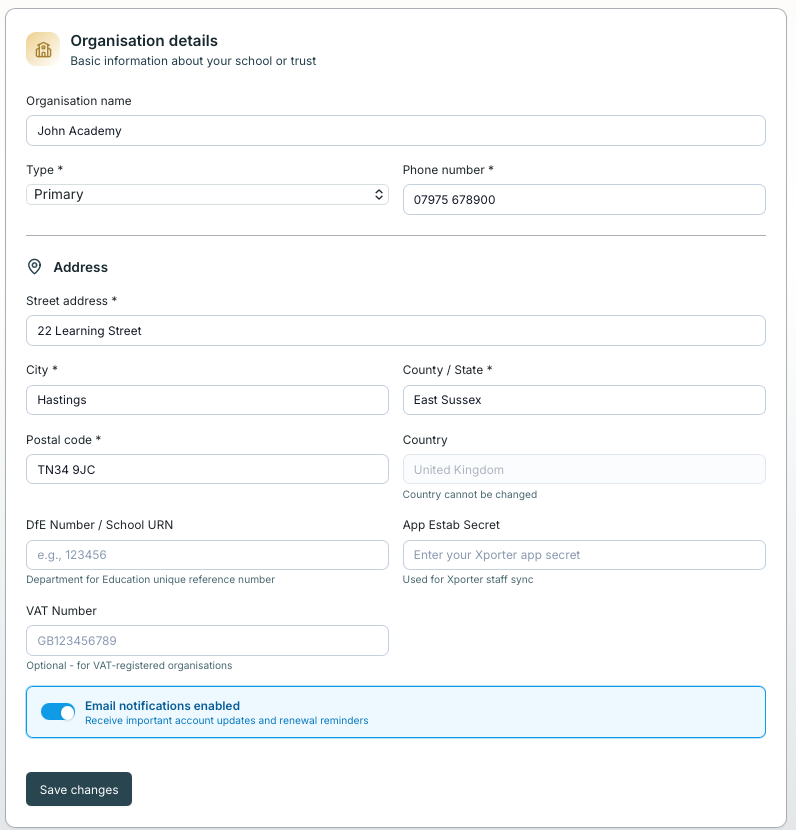
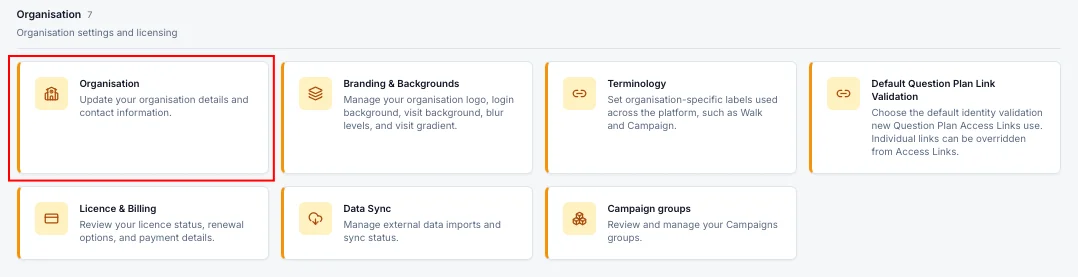
To add your organisation details, complete Step 1 of the Onboarding process with the Recommended setup, or go to the Organisation / Setup tab, locate the Organisation section and open Organisation Information. This is where you manage the core details linked to your account and setup.
From here, you can add or update your organisation information, including your school name and key setup details. If you use Xporter for staff sync, you can also enter your App Estab Secret here so the integration can work correctly.
You can also choose whether to enable email notifications using the option at the bottom of the page. Once you have checked that all details are correct, select Save to apply your changes.