Terminology
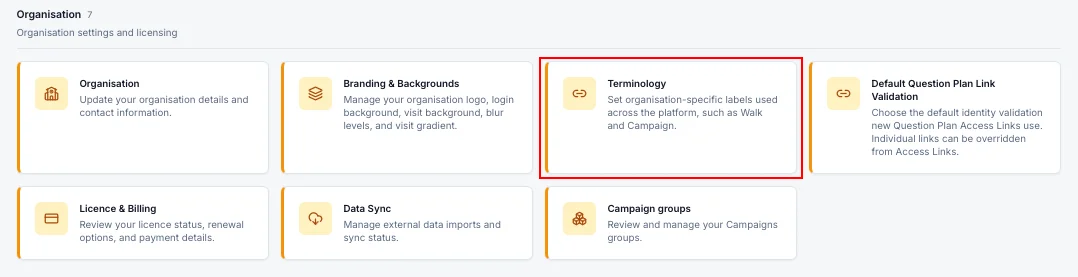
Go to the Organisation/Setup tab, find the Organisation section, and click Terminology.
Here you can set your own school‑specific terms to use instead of the platform defaults for items such as walks, campaigns, and question plans, and those terms are then applied across the site so LearningWalks matches the language your staff use every day.
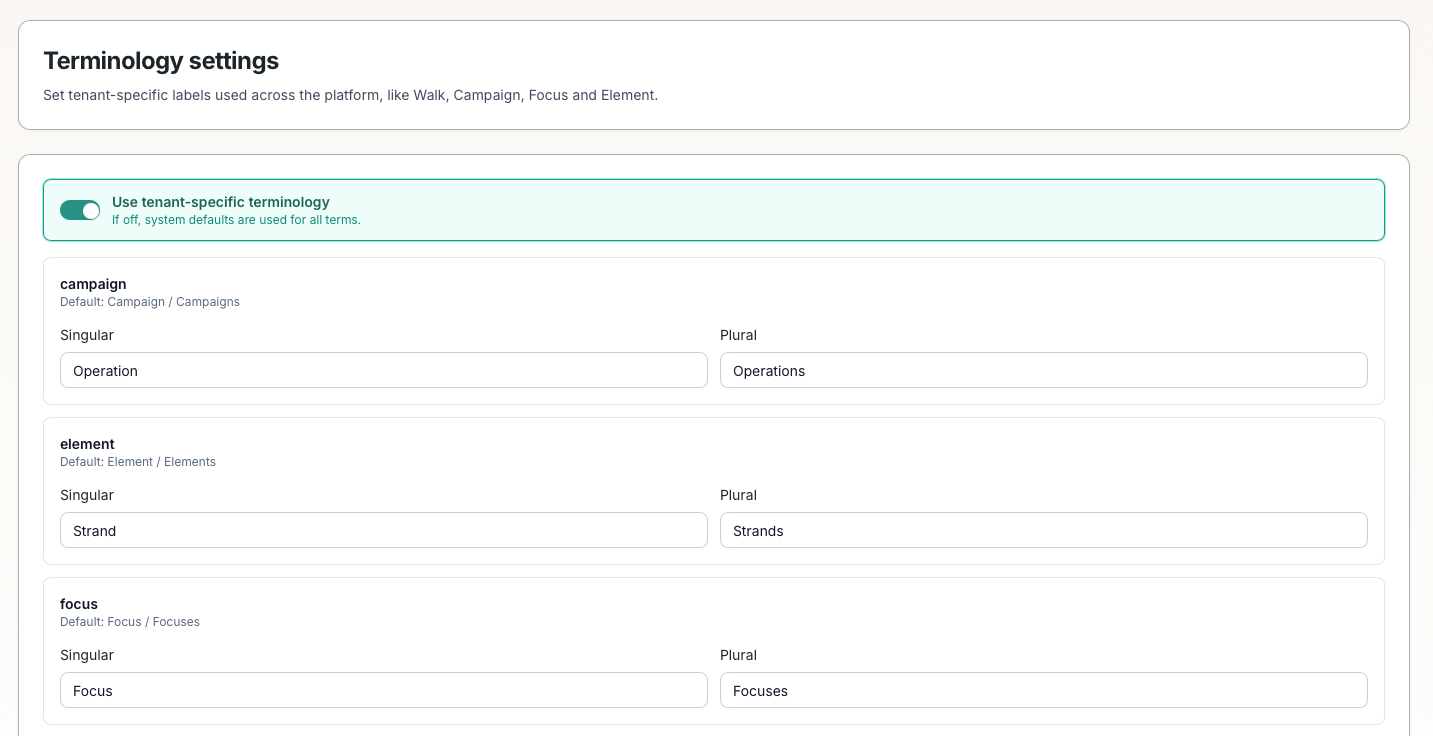
Scroll to the bottom and click Save terminology to save your changes or Reset to default if required
