What happens after I submit a walk? V2
Once you've completed and submitted a Learning Walk, it's considered finished and can no longer be edited.
What happens next depends on whether you're a registered Walker or accessing the platform as a guest.
Registered Walkers
After submitting your Walk, you'll return to the platform, where you can view your Campaign and access the Insights tab to explore findings and reporting.
Your submitted evidence will contribute to the Campaign's reporting, according to its Evidence Assurance settings.
Guest Walkers
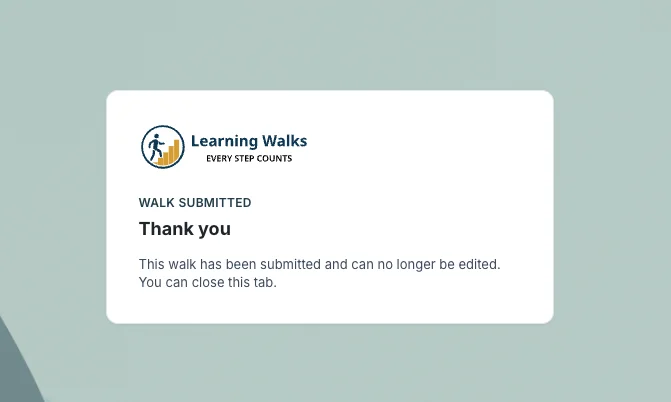
If you've accessed your Walk through a guest link without a registered account, you'll see a confirmation message telling you that your Walk has been submitted successfully and you can safely close your browser tab.
Guest Walkers don't have access to Campaign dashboards, Insights or other areas of the platform.
What happens to your evidence?
Submitted evidence is collected within the Campaign and may be accepted automatically or require review, depending on the Campaign's Evidence Assurance settings.
Once accepted, it contributes to the wider findings and reporting, helping school leaders identify patterns and track progress over time.